ShopJig
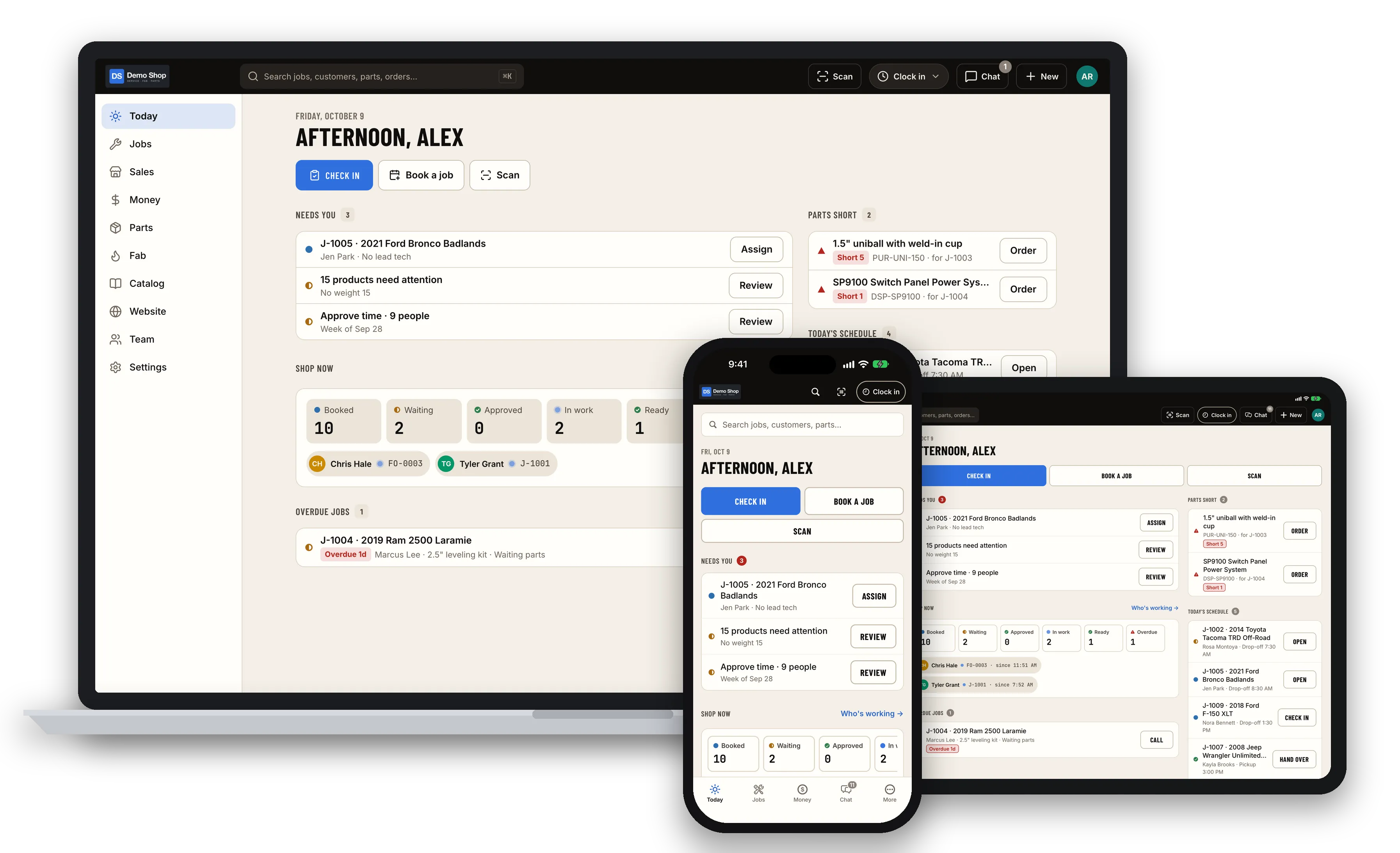
A complete shop-management platform, built in seven days for a working off-road fabrication shop and now offered to other shops as ShopJig. It replaces the storefront and runs parts, fab orders, service jobs, time clock, chat and accounting, with an iPhone and iPad app for the shop floor.
It was built for a working off-road suspension and fabrication shop in Tucson. Their storefront was on Shopify and their books are in QuickBooks. The brief started as a storefront demo in two days. A week later it covered the whole business, so I’m now offering it to other shops as ShopJig.
It started as a fork of my own Tensor3D store, so checkout, stock holds and shipping labels were already proven.
What it runs
- Storefront: a truck finder for fitment, add-ons, Stripe checkout with live shipping rates, dealer pricing and a page builder. It was re-themed from the shop’s designer’s Figma file to WCAG AA.
- Catalog: kits as bills of materials, part numbers with aliases, website or shop-only channels, and drop-ship.
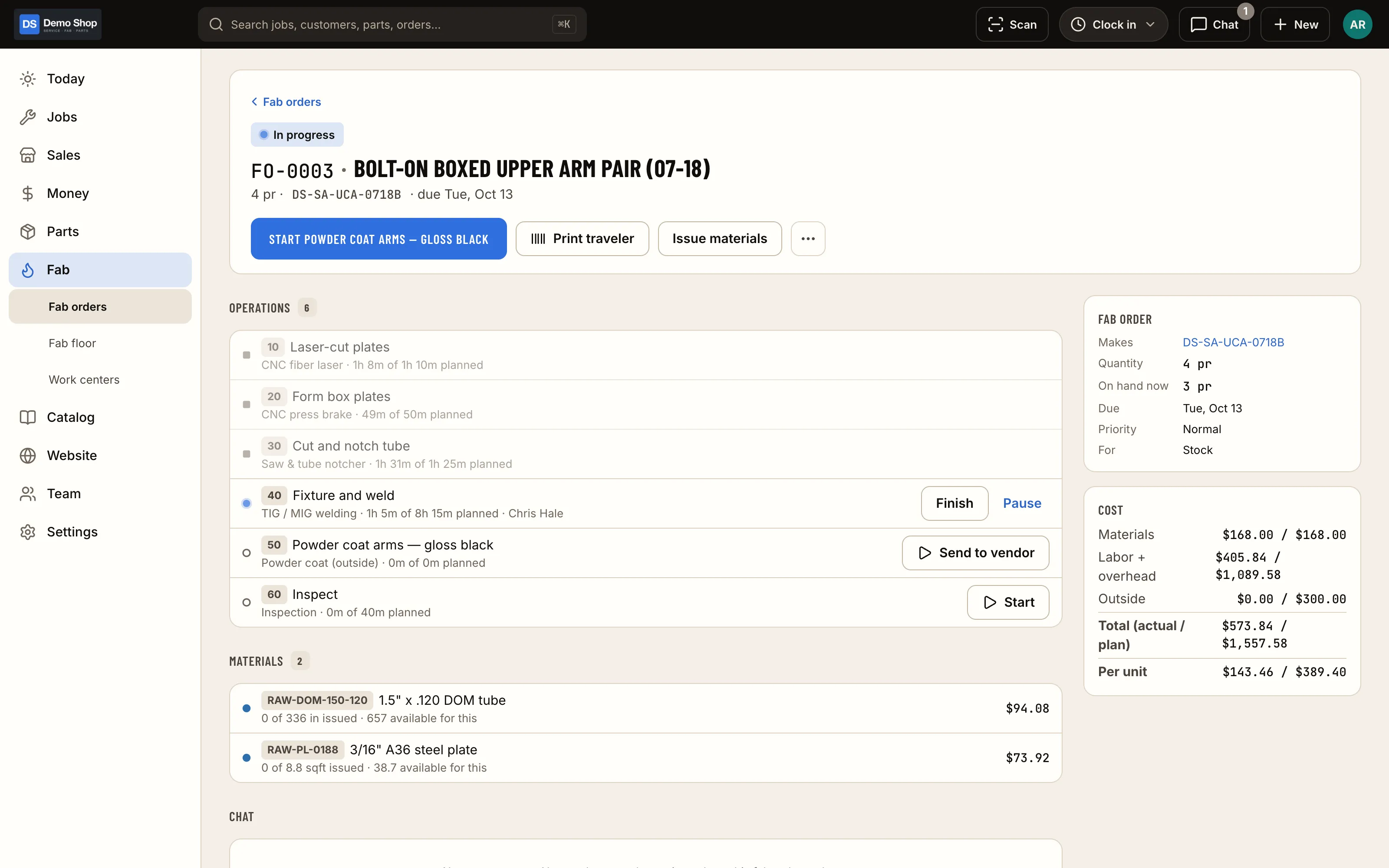
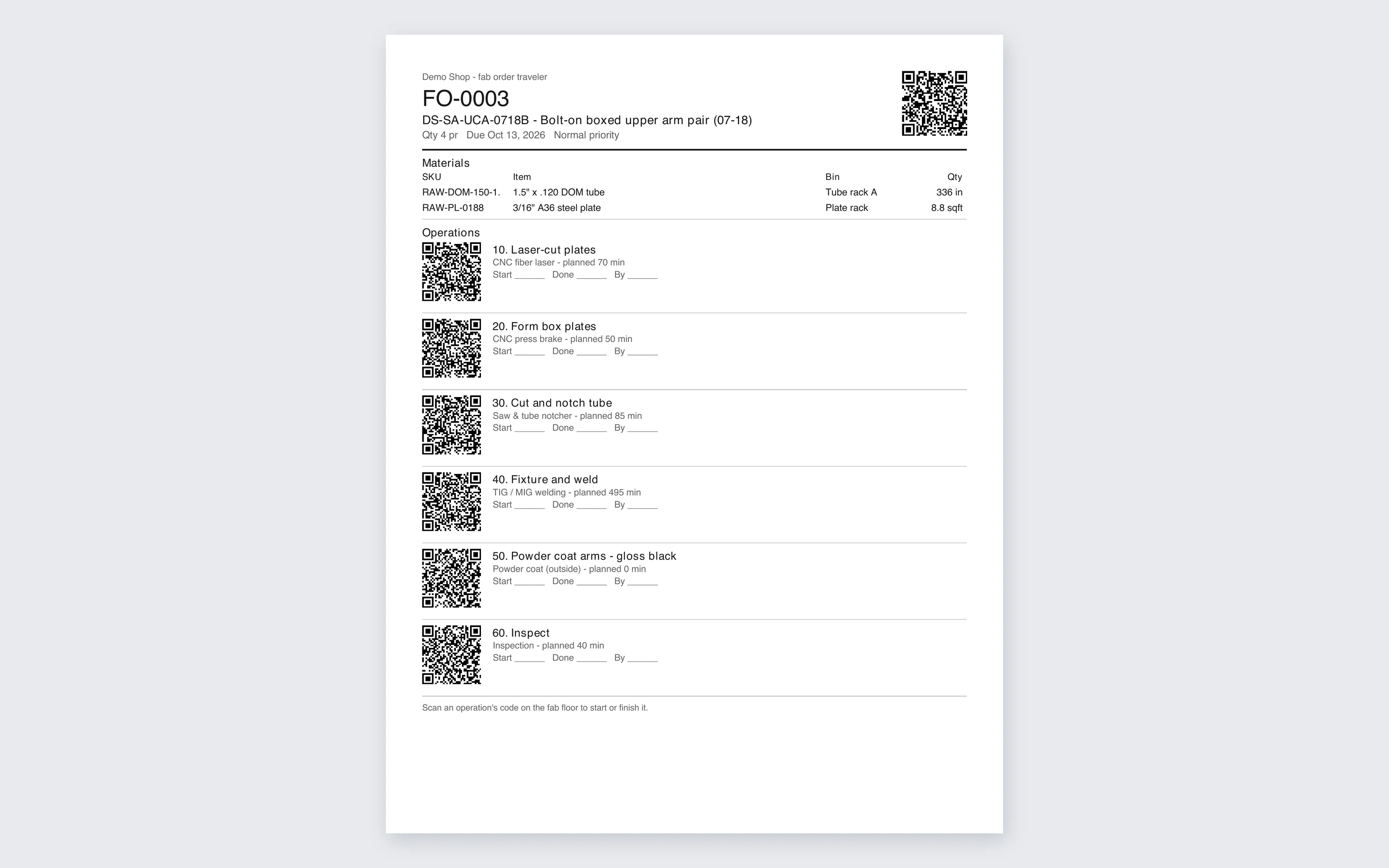
- Parts and fab: a stock ledger, a “what do we need?” purchasing view, receiving, counts, and fab orders routed through work centers with printed QR travelers.
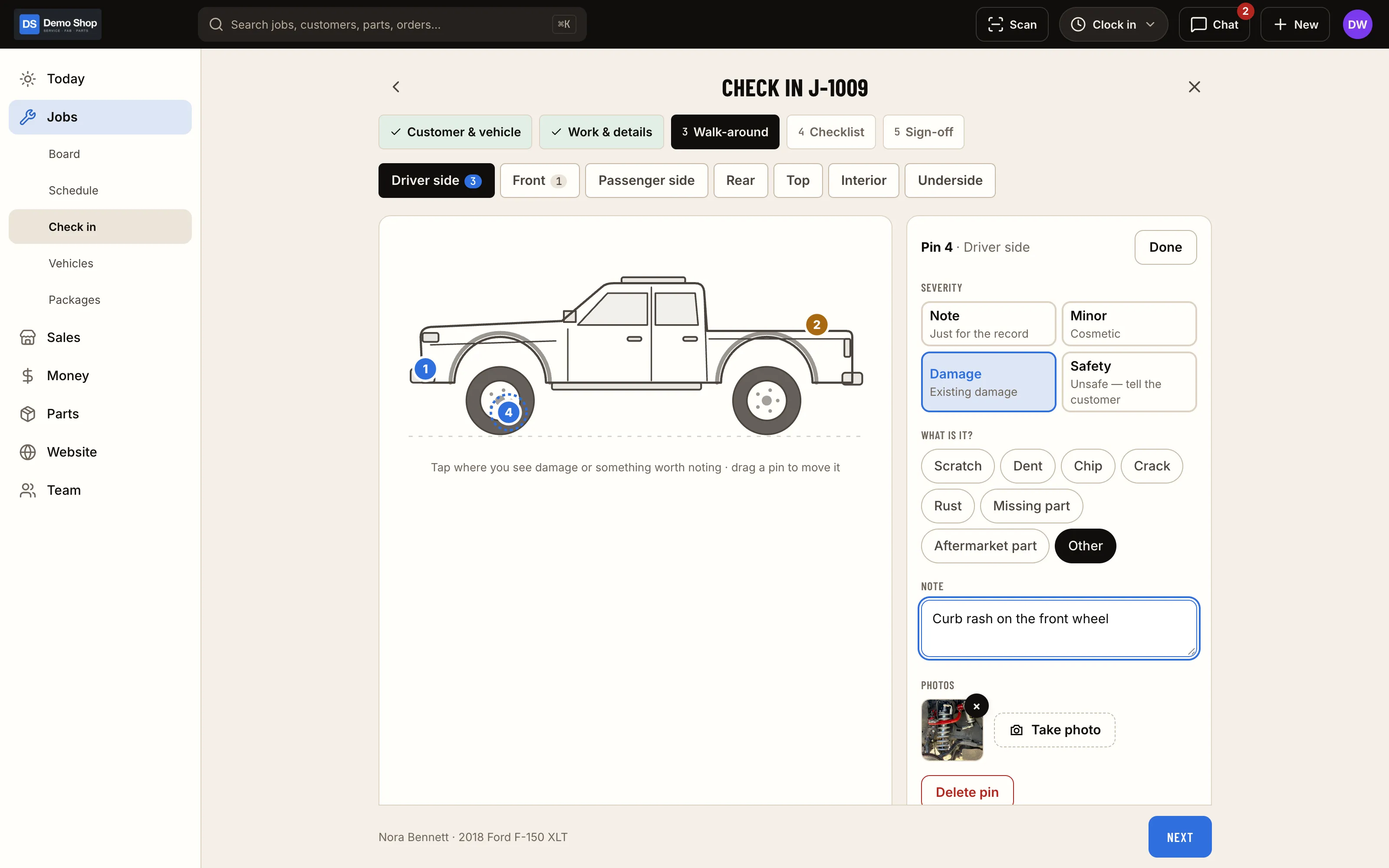
- Service jobs: check-in with a walk-around diagram, photos and a signature; estimates the customer approves by link; standard job packages; a schedule; hand-over; and invoices with pay links.
- Time and team: a day clock and job timers, a shared-iPad kiosk with PINs, time-off and time-change requests, a payroll export, and roles built from capabilities.
- Chat: shop channels plus one thread per job and fab order.
- Customer portal: their trucks, service history, estimates to approve and invoices to pay.
- Accounting: a costed perpetual inventory ledger and an immutable double-entry journal. Postings to QuickBooks Online are designed as one sales receipt per sale plus a daily summary, with a tie-out report. It runs in shadow mode for now.
- Scanning and labels: camera and USB barcode/VIN scanning on the web, Bluetooth scanners in the app through a small Swift module, and labels drawn by the server for a thermal label printer.
- API:
/api/v1with an OpenAPI spec generated from the same schemas that validate requests, API keys and idempotency keys. - The app: iPhone and iPad, the same ten sections as the web, set up for private distribution through Apple Business Manager.
Decisions
- Built to be white-labelled. Each shop’s name, logo and colours are configuration that drives the website, emails, PDFs, the admin and the app. The first shop’s values belong in its seed, and the last few hard-coded ones are being moved out.
- The owner’s preferences are policies, not code. Selling when out of stock, whether quotes reserve parts, who sees costs, and how the clock works are all settings with neutral defaults, enforced on the server. The shop’s values live in a seed. A test on an empty database fails if any of them is hard-coded.
- Web and app can’t drift. A registry maps each of 163 staff features to its web page, API operation and app screen, and a test fails when either side is missing. When it started, 27 features existed on both.
- Money and stock are race-free. Every ledger write takes row or advisory locks, the payment webhook is idempotent, and a seeded fuzzer replays orders, refunds, payroll and valuation, then checks that the books still balance.
- Authorization is proven before the database is touched. One test walks every server action and route and shows that each refuses without the capability before a single query runs.
- Imports are repeatable. The Shopify and QuickBooks imports are idempotent. Run twice on fresh databases, the results were byte-identical across 124 tables.
How the agents were run
Contracts came first: the architecture, the API conventions and a design contract per area. Then the work went out in waves: foundation; API, team, time, shop and the mobile app; fix agents for orders, stock and security; then the redesign, one slice per area, each slice owning its web pages, API and app screens together. Every agent had its own worktree, database, ports and range of migration timestamps, so they could merge without stepping on each other.
Review was adversarial and numbered. Security, two authorization passes, two money-and-stock passes, a four-auditor settings audit and a UX audit of about 1,100 screenshots across six roles and four screen widths. The app was checked on iOS simulators with scripted taps. I decided the policy questions. Where the answer was clear, the agents built it and wrote down the assumption.
Screenshots are from a fictional demo shop in the neutral default theme, with made-up customers and jobs. Never the first shop’s live data.